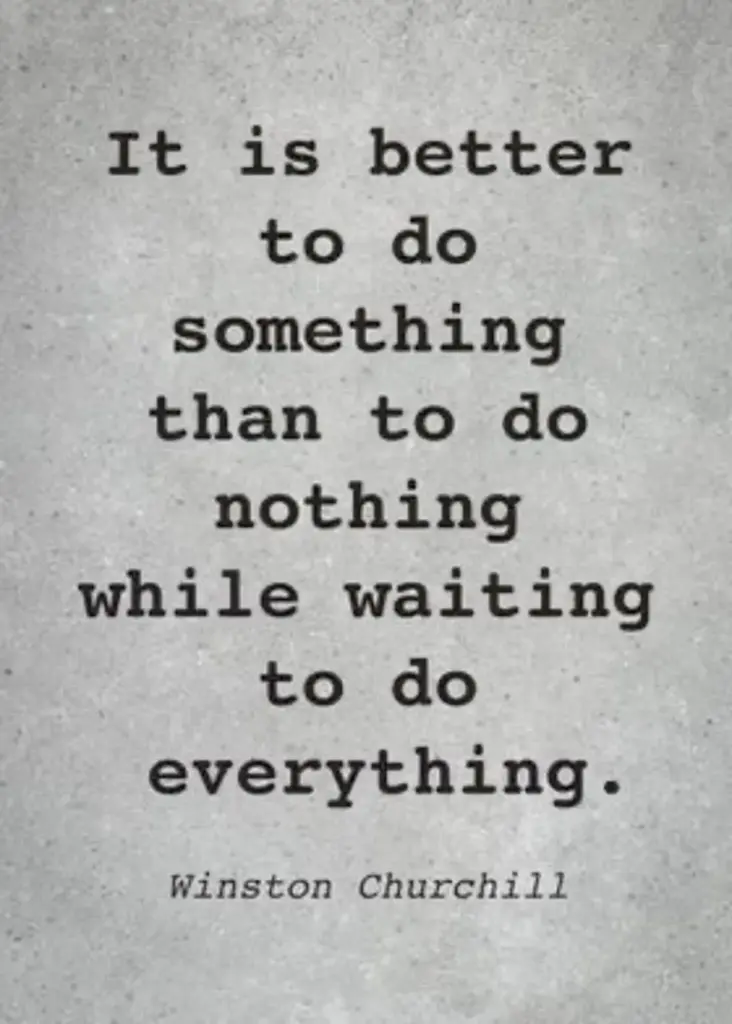
“It is better to do something than to do nothing while waiting to do everything.” That line gets passed around the internet as a Winston Churchill quote, usually on a sunset background. So I went looking for the primary source, and here is the honest answer: I could not find one. The Churchill archive and the widely cited quotation dictionaries do not pin this sentence to a speech, letter, or book. It may be a paraphrase, it may be misattributed, and it may simply be a modern line wearing a famous name. What I can test is whether the idea holds up on its own. It does. Below are 17 real places where a stalled ten minutes turns into something finished.
Table of Contents(Click to Toggle)
- Why small actions beat waiting for the perfect moment
- 17 Ways to Do Something While Waiting
- 1. 750 Words
- 2. ZenPen
- 3. Witeboard
- 4. Excalidraw
- 5. Raindrop.io
- 6. Wayback Machine
- 7. Project Gutenberg
- 8. Library of Congress Free to Use
- 9. Photopea
- 10. Squoosh
- 11. TinyWow
- 12. JustTheRecipe
- 13. Goblin Tools
- 14. Coolors
- 15. Fontpair
- 16. Internet Archive Open Library
- 17. WolframAlpha
- Bonus Mentions
- The Small-Action Internet (So Far)
Why small actions beat waiting for the perfect moment
The quote is contested, but the behaviour it describes is well documented. People who start a task with a deliberately tiny version of it tend to keep going; the barrier is starting, not finishing. The tools below are built around that idea. None of them asks for an account before you can see value, most work in a browser tab, and each produces something you can save or send in under ten minutes. I have tested all of them at least once, and I have flagged the ones with real limits, because a list that pretends everything is perfect is not useful.
17 Ways to Do Something While Waiting
1. 750 Words : Turn a spare ten minutes into a daily writing habit
What it is: A private journaling site built around writing 750 words a day.
Category: Writing and reflection
Why it stands out:
- Shows streaks and stats, which nudges you back the next day
- Everything is private by default, so no audience pressure
Best for: Anyone who freezes at a blank page but can manage three unfiltered paragraphs.
2. ZenPen : A distraction-free writing box that opens instantly
What it is: A minimal text editor that loads in the browser with no signup.
Category: Writing
Why it stands out:
- Strips away menus, fonts, and sidebars so the cursor is the only thing on screen
- Has a full-screen mode and a word counter for quick drafting
Best for: Drafting an email or a paragraph while a download finishes.
3. Witeboard : A shared whiteboard with no login at all
What it is: A real-time collaborative sketchpad that runs in any browser.
Category: Collaboration
Why it stands out:
- You share a link and the other person is drawing with you in seconds
- Works on a phone, which makes it useful for explaining something mid-call
Best for: Sketching a quick plan with a colleague while you both wait for a meeting to start.
4. Excalidraw : Hand-drawn style diagrams for half-formed ideas
What it is: An open-source diagramming tool with a deliberately sketchy look.
Category: Visual thinking
Why it stands out:
- Its rough style signals “draft,” which lowers the pressure to make it perfect
- Exports to PNG or SVG and can be embedded in other documents
Best for: Mapping a process or a decision you keep circling in your head.
5. Raindrop.io : Rescue the tabs you keep meaning to read
What it is: A bookmark manager that saves pages with previews, tags, and folders.
Category: Organisation
Why it stands out:
- Full-text search finds a saved page by a phrase you remember from it
- Free tier covers most personal use; larger libraries need the paid plan
Best for: Anyone with 40 open tabs and a vague sense of guilt.
6. Wayback Machine : See what a website used to say
What it is: The Internet Archive’s archive of billions of saved web pages.
Category: Research
Why it stands out:
- You can check whether a claim or price actually changed, rather than guessing
- Also useful for recovering a page that has since gone offline
Best for: Fact-checking a screenshot someone sent you.
7. Project Gutenberg : 70,000+ free public-domain books
What it is: A volunteer-run library of digitised books whose copyright has expired.
Category: Reading
Why it stands out:
- Downloadable as EPUB, Kindle file, or plain text, with no account
- Includes the original texts behind most famous quotations, which helps when checking attributions
Best for: Reading one chapter of a classic while a queue moves.
8. Library of Congress Free to Use : Public-domain images you can actually reuse
What it is: A curated set of images from the Library of Congress with no known copyright restrictions.
Category: Images
Why it stands out:
- Each item is vetted for rights, unlike a random image search
- Strong on historical photographs, posters, and maps
Best for: Sourcing a header image without a licensing headache.
9. Photopea : A full image editor inside a browser tab
What it is: A free web-based editor that opens PSD, XD, and Sketch files.
Category: Design
Why it stands out:
- Familiar layer-based interface for anyone who has used Photoshop
- Runs without installing anything, though very large files can lag
Best for: A quick crop, resize, or text edit on a borrowed computer.
10. Squoosh : Shrink images without wrecking them
What it is: An image compressor that runs locally in your browser.
Category: Utilities
Why it stands out:
- A side-by-side slider shows exactly what quality you are giving up
- Your files never leave your device, which matters for private photos
Best for: Getting a photo under an upload limit.
11. TinyWow : Dozens of small file fixes in one place
What it is: A collection of free converters and file tools, from PDF splitting to video trimming.
Category: Utilities
Why it stands out:
- No account needed for most tools, and files are deleted after processing
- Covers the awkward formats people actually get sent
Best for: Converting a file you need in the next five minutes.
12. JustTheRecipe : Strip the life story out of a recipe page
What it is: A tool that pulls only the ingredients and steps from a recipe URL.
Category: Everyday life
Why it stands out:
- Turns a scrolling essay into a clean, printable card
- Works best on mainstream recipe blogs; unusual layouts can trip it
Best for: Planning dinner while you wait for the kettle.
13. Goblin Tools : Break one scary task into small steps
What it is: A set of small free tools, including a “magic to-do” list that splits a task into subtasks.
Category: Productivity
Why it stands out:
- Turns “sort out the paperwork” into six concrete actions you can start now
- Also has a tone-checker for rewording an email before you send it
Best for: Anyone who stalls because a task feels too big to begin.
14. Coolors : Generate a colour palette in seconds
What it is: A fast palette generator with a spacebar-to-shuffle interface.
Category: Design
Why it stands out:
- Shows contrast and accessibility checks on each colour
- Exports the hex codes you need for a slide deck or website
Best for: Making a project look deliberate rather than default.
15. Fontpair : Font combinations that already work together
What it is: A gallery of tested heading-and-body font pairings, mostly from Google Fonts.
Category: Design
Why it stands out:
- Removes the guesswork from choosing a second typeface
- Links straight to the free font files
Best for: A resume, poster, or small site that needs to look finished.
16. Open Library : Borrow a book from a digital library
What it is: The Internet Archive’s lending library and book catalogue.
Category: Reading
Why it stands out:
- Free borrowing of scanned editions for a set loan period
- Availability varies by title and region, and popular books often have a waitlist
Best for: Sampling a book before deciding to buy it.
17. WolframAlpha : Get a computed answer, not a list of links
What it is: A computational engine that answers factual and mathematical questions directly.
Category: Research
Why it stands out:
- Handles unit conversions, date maths, and statistics in one box
- Shows its working, so you can check the result rather than trust it
Best for: Settling a “how many days until…” question in ten seconds.
Bonus Mentions
Hemingway Editor : Highlights sentences that are too long
A free web version of the writing checker. Paste a paragraph and it colour-codes the clunky parts. Useful for a quick edit before sending something important.
Windy : Beautiful, detailed weather visualisation
An animated wind map that is genuinely pleasant to explore. Handy before a walk or a drive, and oddly calming to watch.
Radio Garden : Spin the globe and land on a live station
Click anywhere on the world map to hear a local radio broadcast. A good way to fill five minutes with something other than a feed.
Pexels : Free stock photos with a clear licence
Straightforward licensing and decent search. Not the most distinctive library, but reliable when you need an image quickly.
The Small-Action Internet (So Far)
To be clear about the quote that started this: I could not verify it as Churchill’s, and I would rather say so than repeat it as fact. What is verifiable is that a ten-minute gap is enough to write 300 words, resize an image, split a task into steps, or borrow a book. None of these tools requires a subscription or a perfect plan. The waiting is going to happen anyway. The only question is whether something small comes out the other side.
Which of these did you end up using, and what quiet little site should be on the next version of this list?
Check it twice, then share it.
Marta writes about the everyday facts people repeat without checking, from kitchen science to common sayings. Her angle is simple: find the original source, show what it actually says, and explain where the popular version drifted. She favors short pieces that end with a clear takeaway you can use the next time the topic comes up.